Quizard Lite2.2.1
Publisher Description
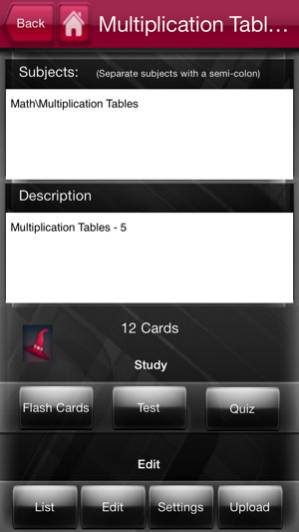
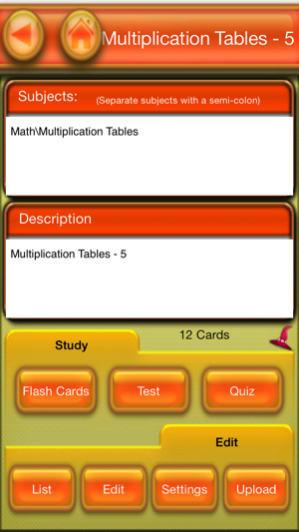
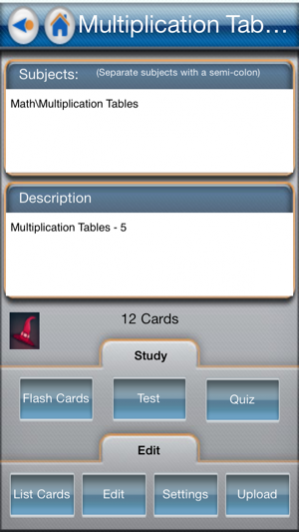
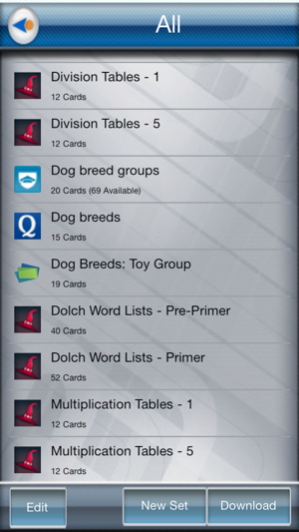
Quizard Lite is a smart flashcard application that allows you to create sets of up to 20 flashcards for your own use or download them from Quizlet, Cram, Course Hero, or Study Stack on the web. Study material, quiz using multiple choice answers, and then give yourself a final test! Quizard can be used by any age using any material that you can enter on your iPhone, iPod Touch, or iPad. You can also add photos to your flashcards from the photo sharing site flickr.com, as well as upload your sets to Quizlet, Cram, or Course Hero.
With Quizard's new Learning Modules (available only on the iPad), you can now generate your own Crossword and Word Search Puzzles, as well as study and memorize your cards with Match and Scatter games.
With Quizard Lite you will get complete:
ABC/abc Flashcards - with audio
1-20 Number Flashcards - with audio
Dolch Word Flashcard sets - Pre-Primer and Primer (92 Flashcards) with audio
104 No Excuse Spelling Words with audio
Addition Tables 1's and 2's - 20 Flashcards
Subtraction Tables 1's and 2's - 20 Flashcards
Multiplication Tables - 1's and 5's - 24 Flashcards
Division Tables - 1's and 5's - 24 Flashcards
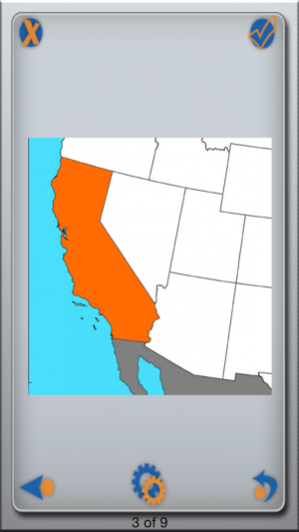
Western States and Map Outlines - 9 Flashcards
Quizard Learning Modules include Crossword, Word Search, Match, and Scatter to help make memorizing easier.
Three different color schemes change Quizard's look to fit your needs. There is even a simplified "kid's" version!
Mar 7, 2014 Version 2.2.1
- Fixed a problem with searching for sets on quizlet.com
- Fixed a number of problems with cram.com (formally flashchardexchange.com)
About Quizard Lite
The company that develops Quizard Lite is GabySoft. The latest version released by its developer is 2.2.1.
To install Quizard Lite on your iOS device, just click the green Continue To App button above to start the installation process. The app is listed on our website since 2014-03-07 and was downloaded 13 times. We have already checked if the download link is safe, however for your own protection we recommend that you scan the downloaded app with your antivirus. Your antivirus may detect the Quizard Lite as malware if the download link is broken.
How to install Quizard Lite on your iOS device:
- Click on the Continue To App button on our website. This will redirect you to the App Store.
- Once the Quizard Lite is shown in the iTunes listing of your iOS device, you can start its download and installation. Tap on the GET button to the right of the app to start downloading it.
- If you are not logged-in the iOS appstore app, you'll be prompted for your your Apple ID and/or password.
- After Quizard Lite is downloaded, you'll see an INSTALL button to the right. Tap on it to start the actual installation of the iOS app.
- Once installation is finished you can tap on the OPEN button to start it. Its icon will also be added to your device home screen.
Version History
version 2.2.1
posted on 2014-03-07
Mar 7, 2014 Version 2.2.1
- Fixed a problem with searching for sets on quizlet.com
- Fixed a number of problems with cram.com (formally flashchardexchange.com)
